Guests3 min read
How to share your digital wedding invitation on WhatsApp and Facebook
Send it to every guest without spamming a group, and make sure the link looks right when it appears.
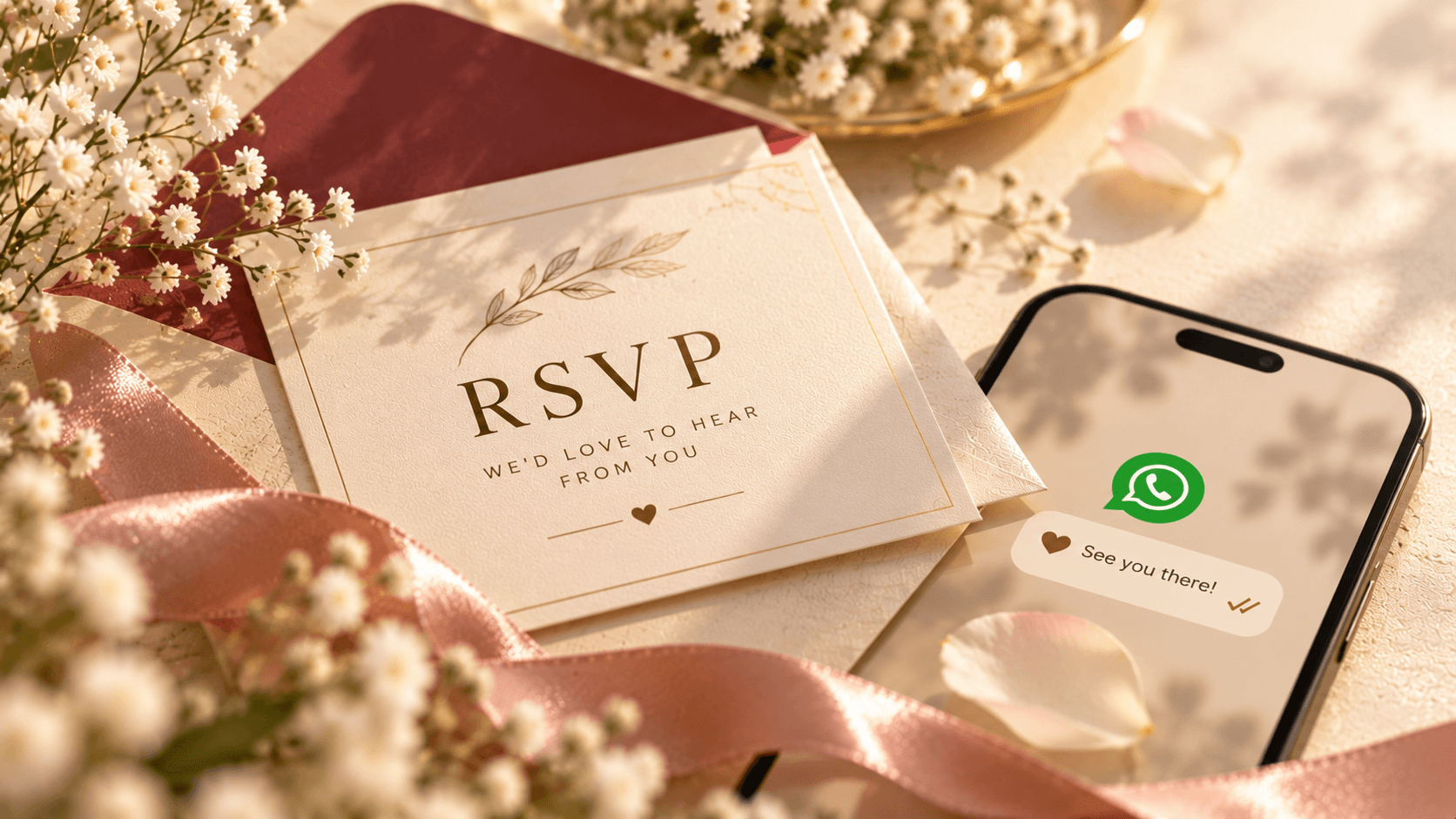
Your invitation is one link, so sharing it is quick. A few small habits make it land better with guests.
Send it personally on WhatsApp
A short personal message with the link gets more replies than the link alone. Use the guest's name, say what it is, and tell them where to reply. Send to close family and friends one by one, and use a broadcast list for the rest, so each guest gets a private message rather than a crowded group.
Use groups for reminders, not the first invitation
A family group is a good place to repeat the date and the link a week before the wedding. Sending the first invitation there tends to bury it among other messages.
Facebook, Messenger and SMS
Paste the link in a Messenger chat or a Facebook post for your wider circle. For guests who do not use WhatsApp, a plain SMS with the link works just as well, because it opens in any phone browser.
Check it before you send
Open the link on your own phone first, and check the date, time and map. Then send it to yourself once and look at how it appears in the chat. If anything is off, tell us and we will fix it before the rest of your guests see it.
Ready to see your invitation?
Browse the designs and order in a minute, or ask us anything on WhatsApp.